
Logger for Shortcuts
Read our comprehensive review of Logger for Shortcuts, the ultimate developer console designed to streamline debugging and optimization on macOS and iOS.
The Frustration of Silent Automation Failures
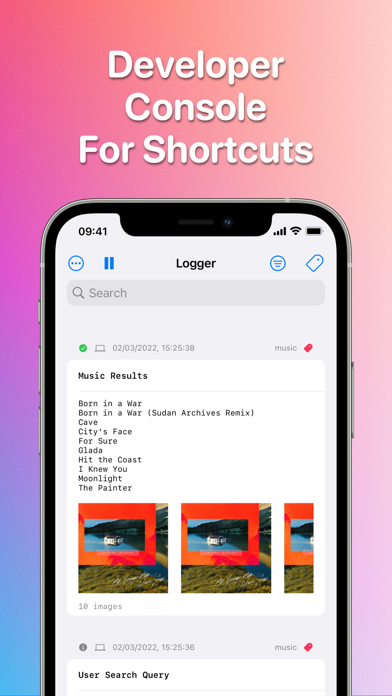
Anyone who has attempted to build complex automation workflows knows the frustration of silent failures. When a multi-step sequence halts or behaves unexpectedly, pinpointing the exact failure point historically meant inserting intrusive Quick Look actions or temporary alert dialogues. Logger for Shortcuts solves this diagnostic headache by introducing a dedicated, real-time developer console built specifically for the Apple automation ecosystem.
Introducing Logger for Shortcuts: A True Developer Console
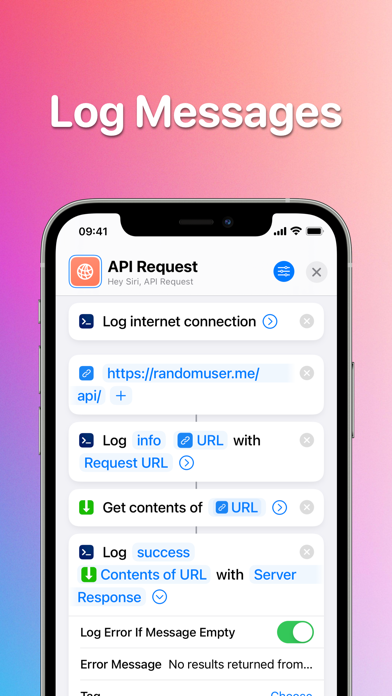
Developed by Snailed It Development Ltd, this specialized IT tool brings professional debugging workflows to your custom automations. Instead of guessing why a variable is empty or where a conditional branch went wrong, you can write diagnostic messages directly to a live console as your automation executes. It brings the power of traditional software logging to visual block programming.
Key Features for Advanced Automation Debugging
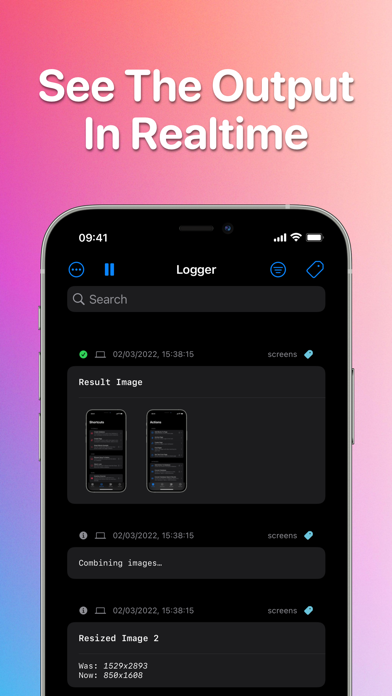
- Real-Time Message Logging: View output live as your automation executes across your Mac or connected Apple devices.
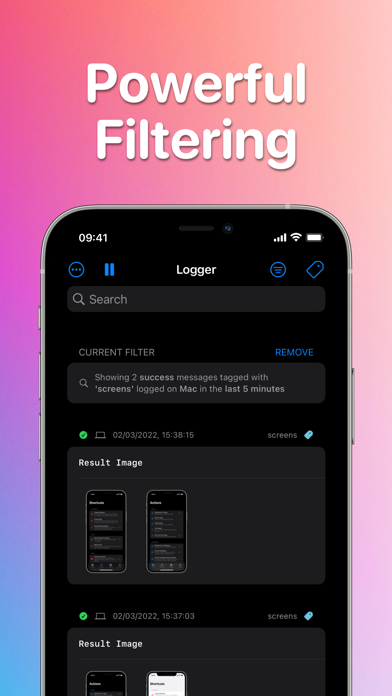
- Granular Filtering & Search: Drill down into complex logs instantly by filtering by category, device, timestamp, tags, or specific text strings.
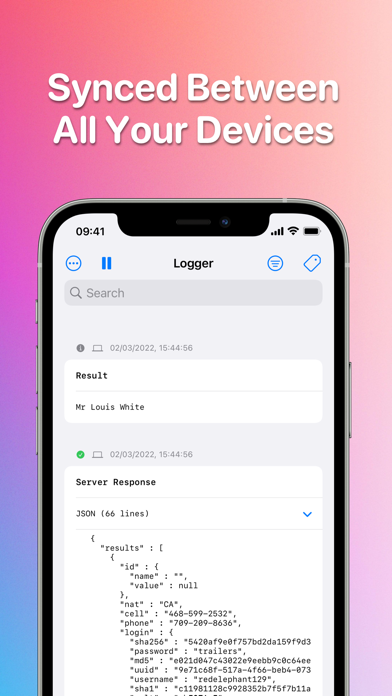
- Secure iCloud Syncing: Keep your console output and debugging logs unified across your workspace with secure, automatic iCloud synchronization.
- Flexible Export Formats: Seamlessly transition your data to external documentation by exporting logs to plain text or Markdown.
Who is This Diagnostic Tool For?
If your daily workflow relies on intricate multi-app automations, this utility is indispensable. Power users, system integrators, and hobbyist developers will find that the ability to track variables and execution paths in real-time saves hours of troubleshooting. Recommended by prominent automation experts, it transforms the trial-and-error nature of shortcut creation into an organized, professional development process.
Streamline Your Workflows Today
Debugging your custom automations does not have to be a guessing game. By providing a clean visual interface and powerful filtering capabilities, this utility brings order to complex system integrations. To elevate your automation workflow and experience professional-grade debugging, check out the application on the official Apple App Store.