
Picture Viewer - Photos Image Editor
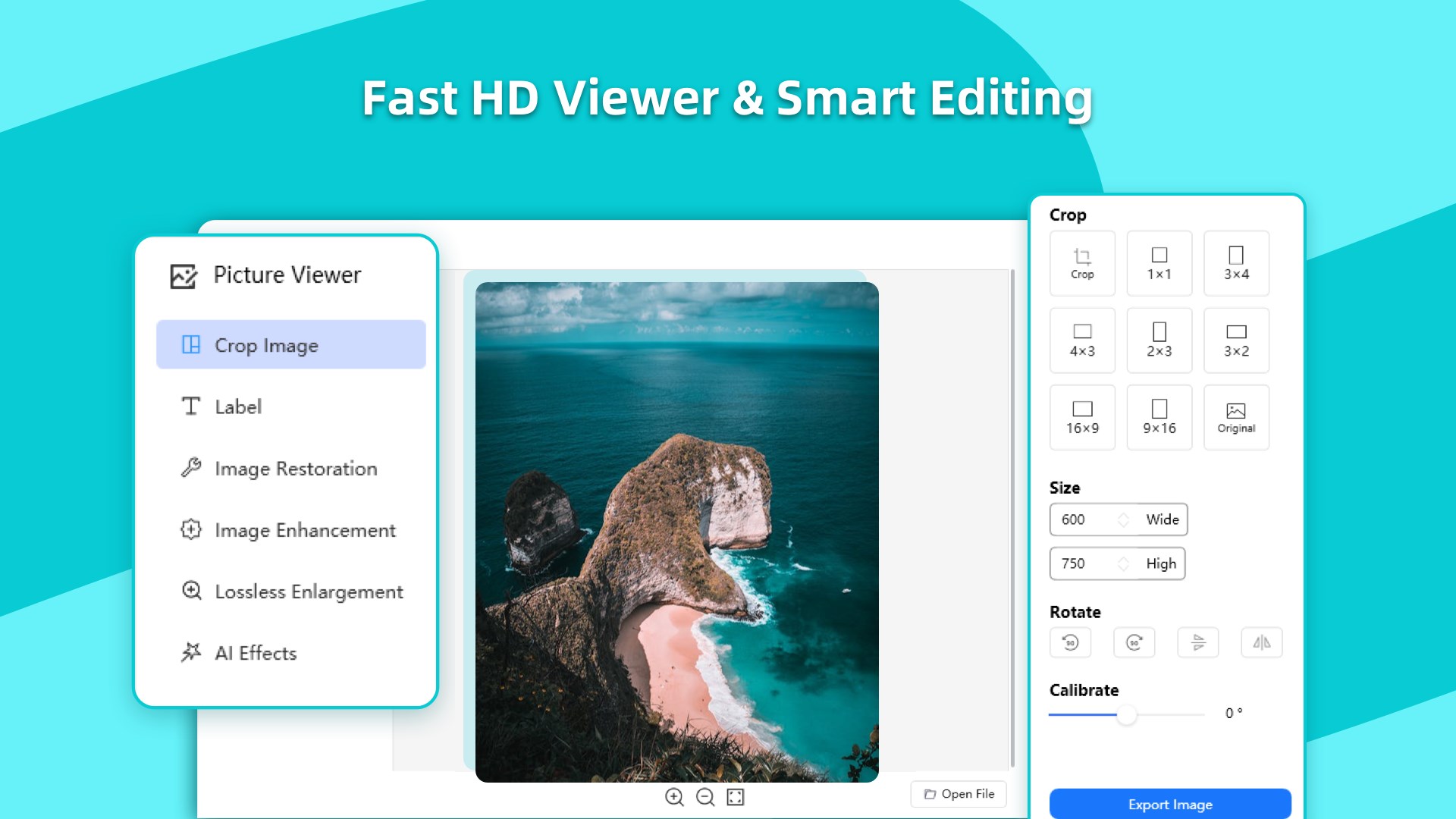
Discover our review of Picture Viewer - Photos Image Editor, a versatile Windows software for lightning-fast image viewing, conversion, and batch editing.
A Smarter Way to Browse and Edit Your Media
Finding a lightweight yet powerful tool for your daily design and photography needs can be a challenge. Picture Viewer - Photos Image Editor stands out by offering an exceptionally fast, high-resolution viewing experience paired with an extensive suite of built-in editing tools. Developed by Wuhan Yousigan Technology Co., Ltd, this Windows application bypasses the bloat of traditional design software, providing a streamlined workflow for creative professionals and casual users alike.
Key Features of Picture Viewer - Photos Image Editor
This software is much more than a simple gallery app. It functions as a multi-tool designed to handle diverse media management and optimization tasks seamlessly.
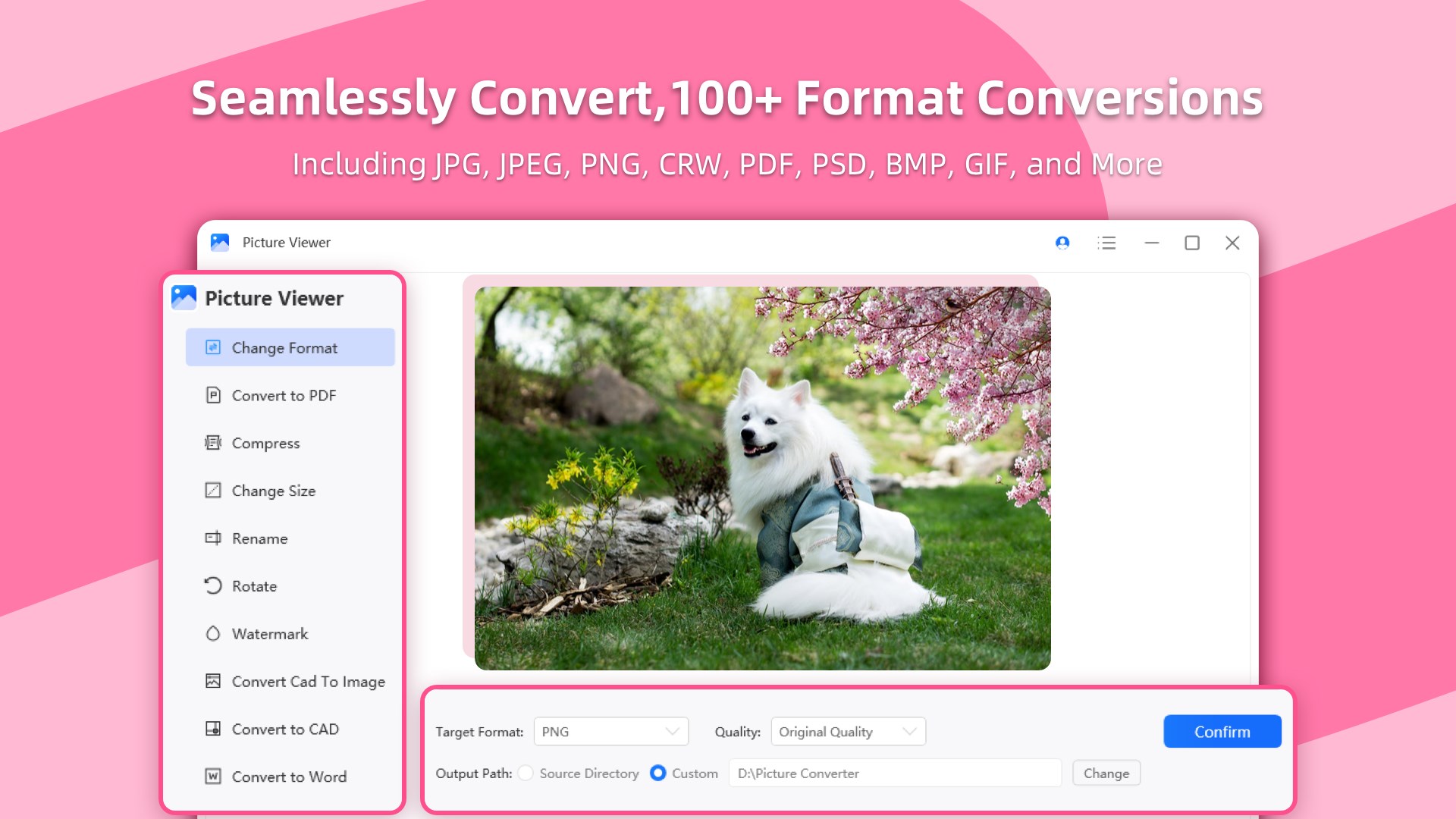
- Universal Format Support: Easily open and display standard web formats alongside complex design drafts and raw camera files, including JPG, JPEG, PNG, CRW, PDF, PSD, BMP, and GIF.
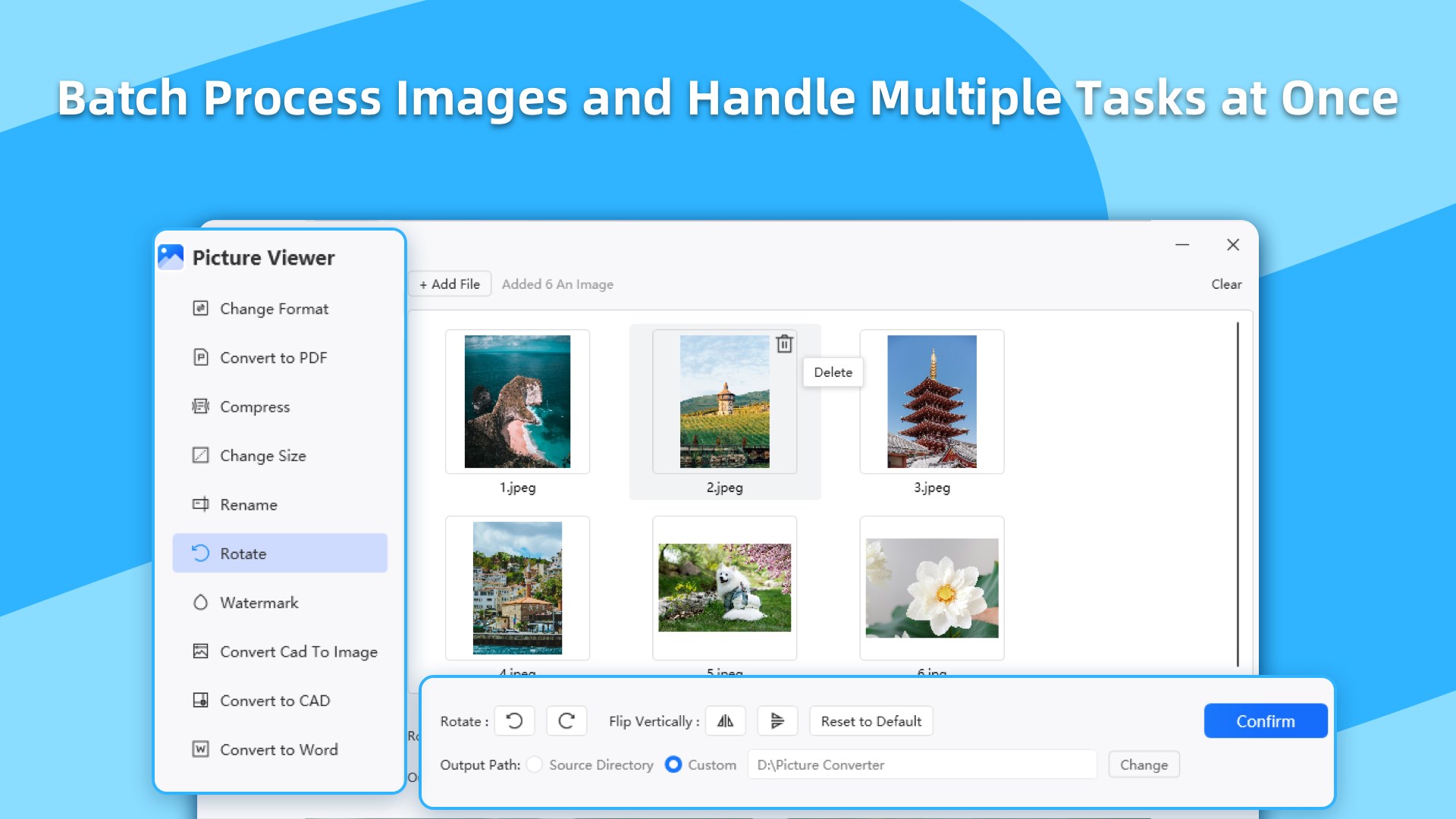
- Efficient Batch Processing: Accelerate your workflow by resizing, compressing, or renaming multiple files simultaneously.
- Format Conversion: Convert assets instantly between formats like WEBP to PNG or CRW to JPG without needing third-party online converters.
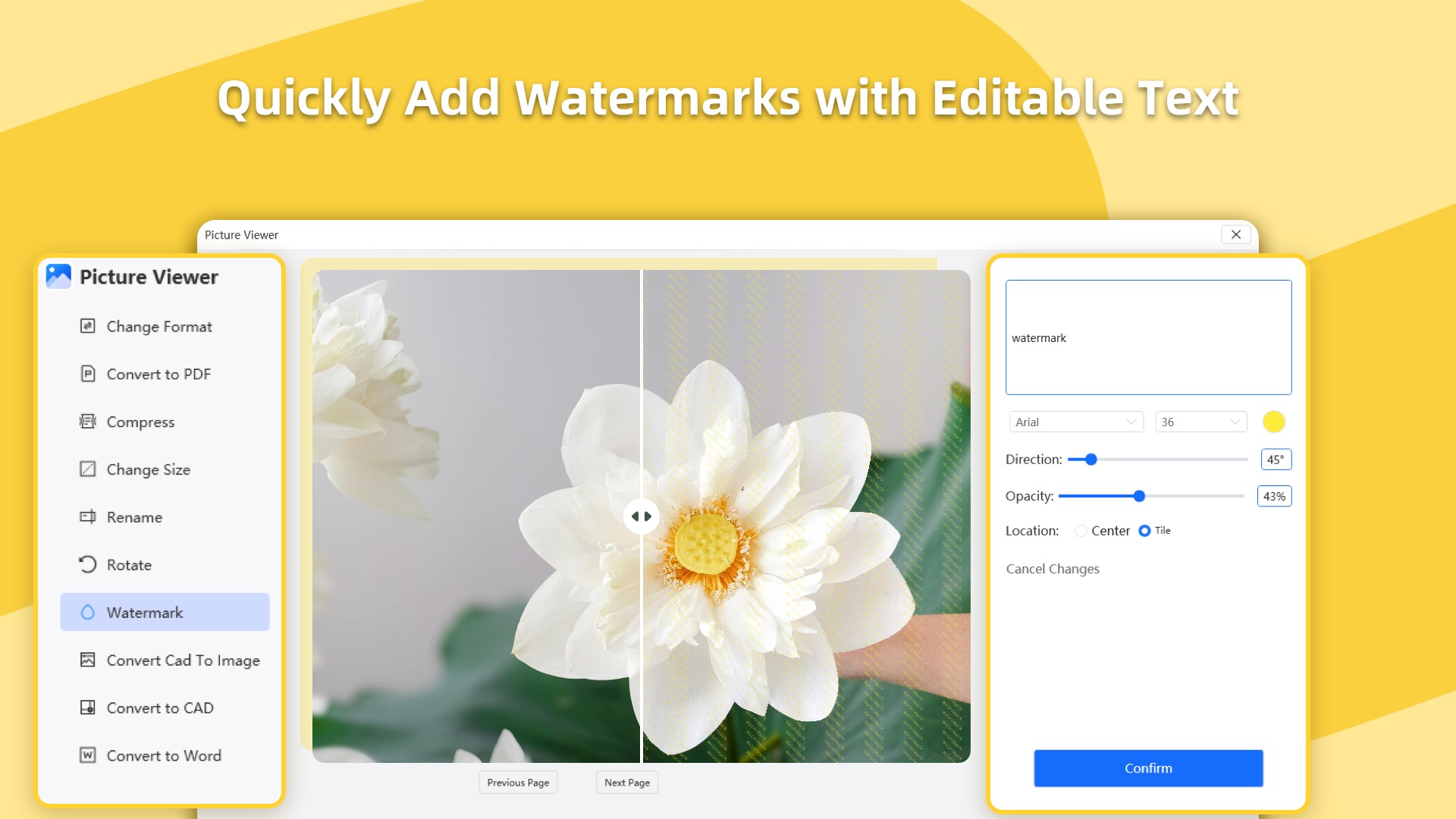
- One-Click Watermarking: Protect your intellectual property or apply corporate branding using the automated text watermark tool.
- Lossless Image Compression: Reduce file sizes to save storage space and speed up web uploads while preserving pixel-perfect visual quality.
Who Is This Windows Utility For?
Whether you are a content creator managing daily social media assets, an illustrator reviewing high-resolution screenshots, or an office professional organizing PDFs and design drafts, this application adapts to your routine. It bridges the gap between basic built-in OS viewers and heavy, resource-intensive editing suites, making it perfect for quick crops, rotations, and swift visual checks.
Is It the Right Fit for Your Workflow?
For Windows users seeking a responsive, all-in-one hub to view, compress, and edit graphics on the fly, Picture Viewer - Photos Image Editor offers a highly practical solution. While basic image viewing is completely free, advanced features like batch processing, watermarking, and format conversion are available through flexible subscription options or a lifetime membership.
To explore its capabilities and see how it elevates your daily media management, check out the official listing on the Microsoft Store.