
Sketchbook Pro
Read our comprehensive review of Sketchbook Pro, the premier digital drawing app for Windows. Discover its professional-grade tools and customizable brushes.
The Ultimate Digital Canvas: Sketchbook Pro Drawing App
For creators seeking a seamless transition from traditional paper to digital screens, the Sketchbook Pro drawing app offers an unparalleled environment. Developed by Sketchbook for the Windows platform, this premium software delivers a highly tactile, distraction-free workspace designed to elevate your creative process. Whether you are a professional illustrator, a concept artist, or a passionate hobbyist, this platform adapts beautifully to your unique workflow.
Who Benefits Most from Sketchbook Pro?
While some digital art tools overwhelm users with complex, cluttered menus, the Sketchbook Pro drawing app prioritizes a clean, minimalist interface. It is particularly beneficial for:
- Professional Illustrators: Who require precise control, advanced layer blend modes, and highly customizable brush engines to produce commercial-grade artwork.
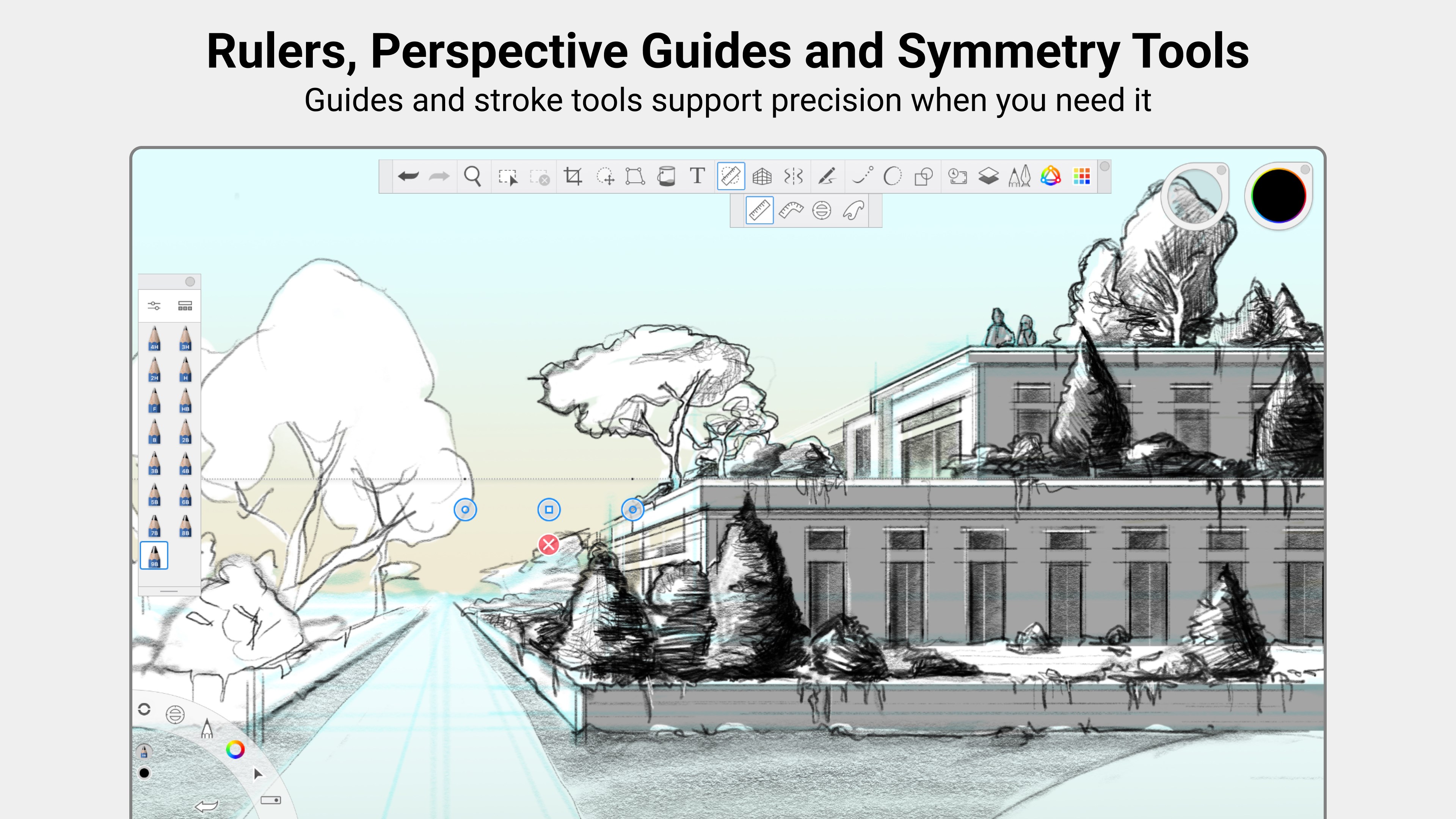
- Concept Artists and Designers: Who need to quickly iterate ideas using virtual rulers, guides, and perspective tools without technical friction.
- Traditional Artists: Transitioning to digital media who crave physical brush behaviors, natural blending, and an uncluttered canvas that keeps the focus entirely on the art.
Standout Features of the Sketchbook Pro Drawing App
The software stands out in a crowded market by balancing simplicity with deep technical capability. Here are the core features that make it a favorite among creative professionals:
Natural Drawing Experience
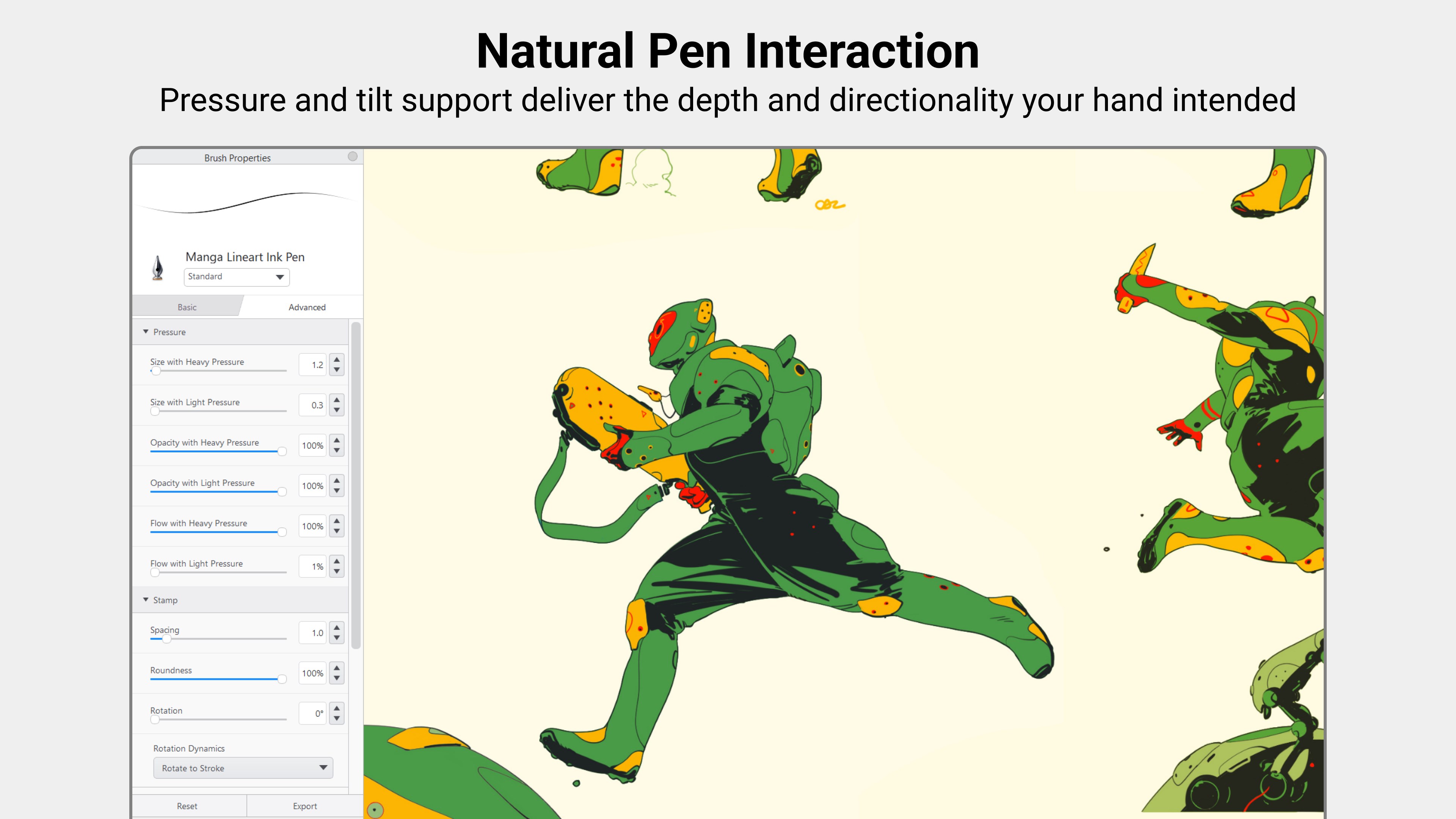
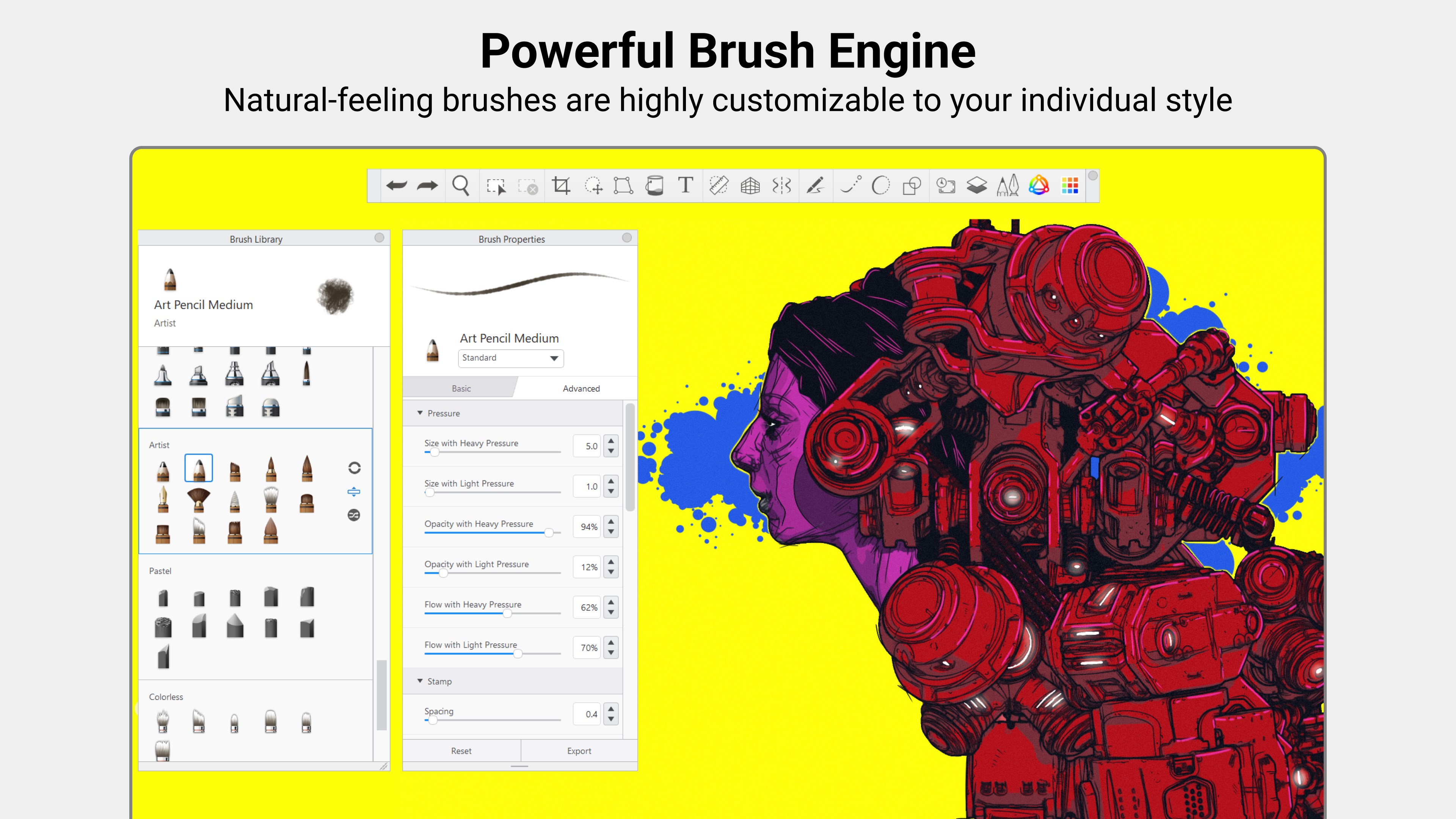
The brush engine is engineered to mimic physical media. Pens, markers, and paintbrushes react dynamically to your touch, behaving just like their real-world counterparts without the mess of a physical studio.
Professional-Grade Toolset
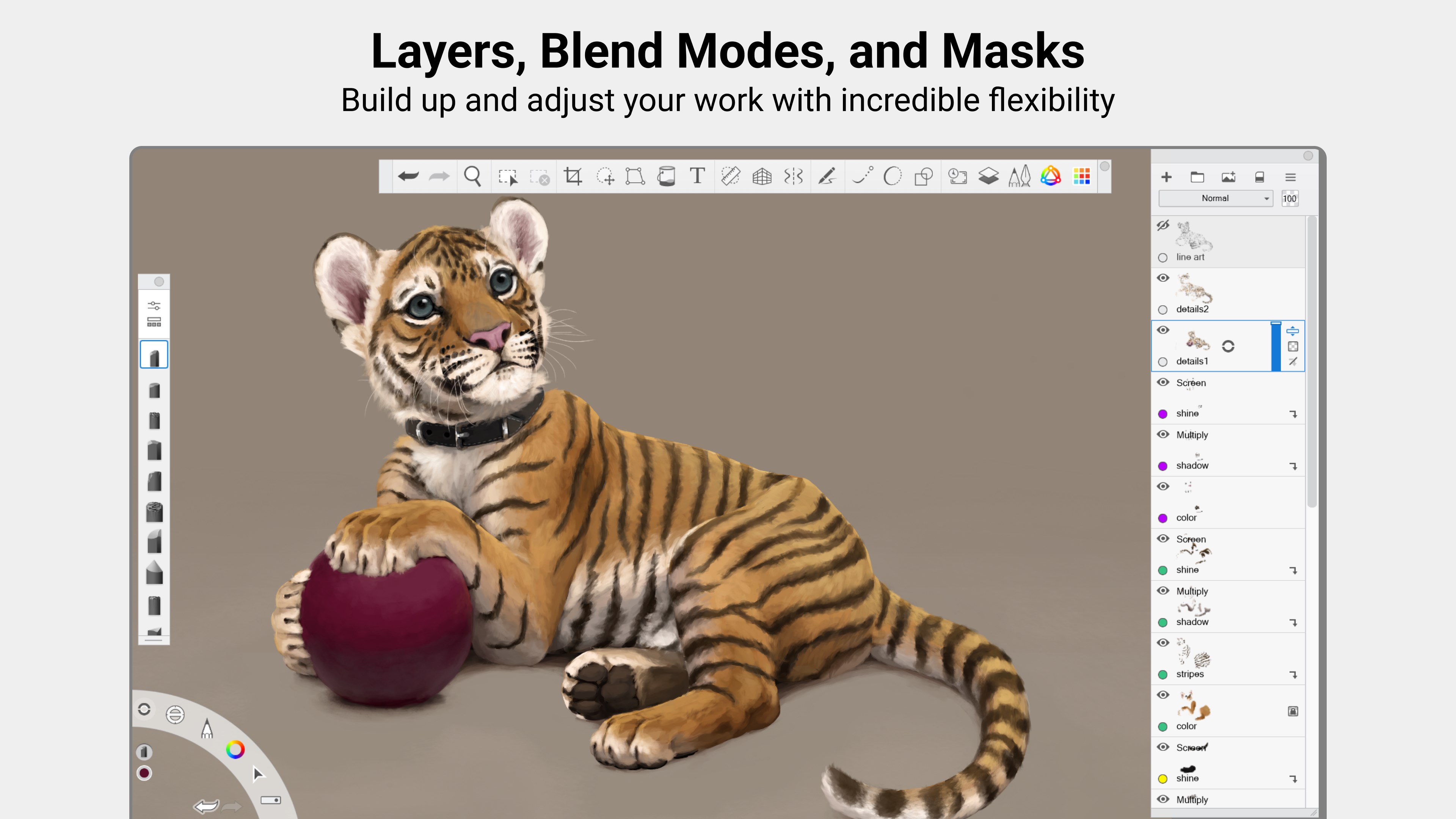
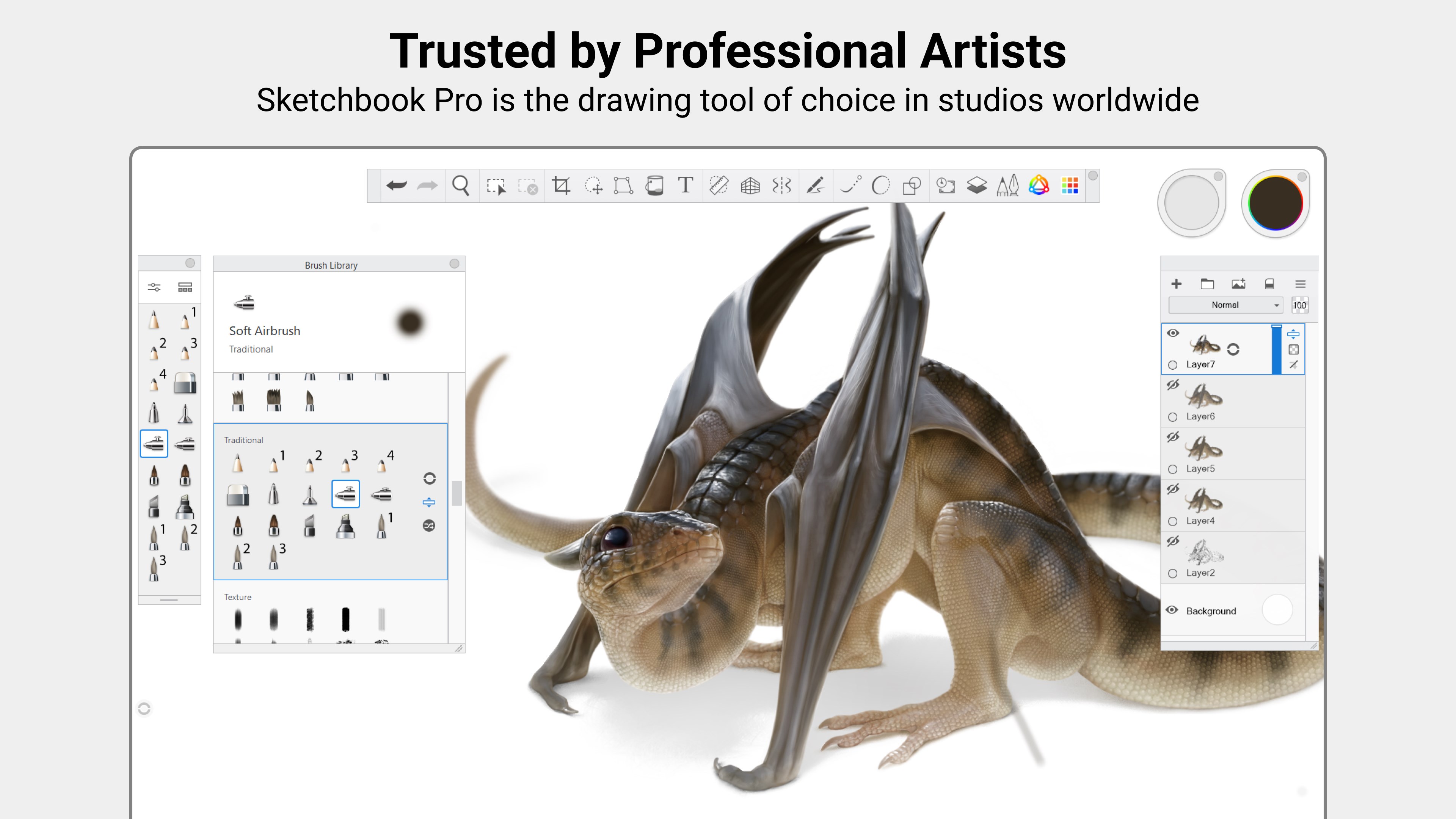
Access hundreds of fully customizable brushes. Combined with precision rulers, stroke stabilizers, and customizable guides, you can achieve perfect linework and organic textures with ease. The robust layer system, complete with a full suite of blend modes, offers the flexibility needed to build complex compositions.
Distraction-Free Interface
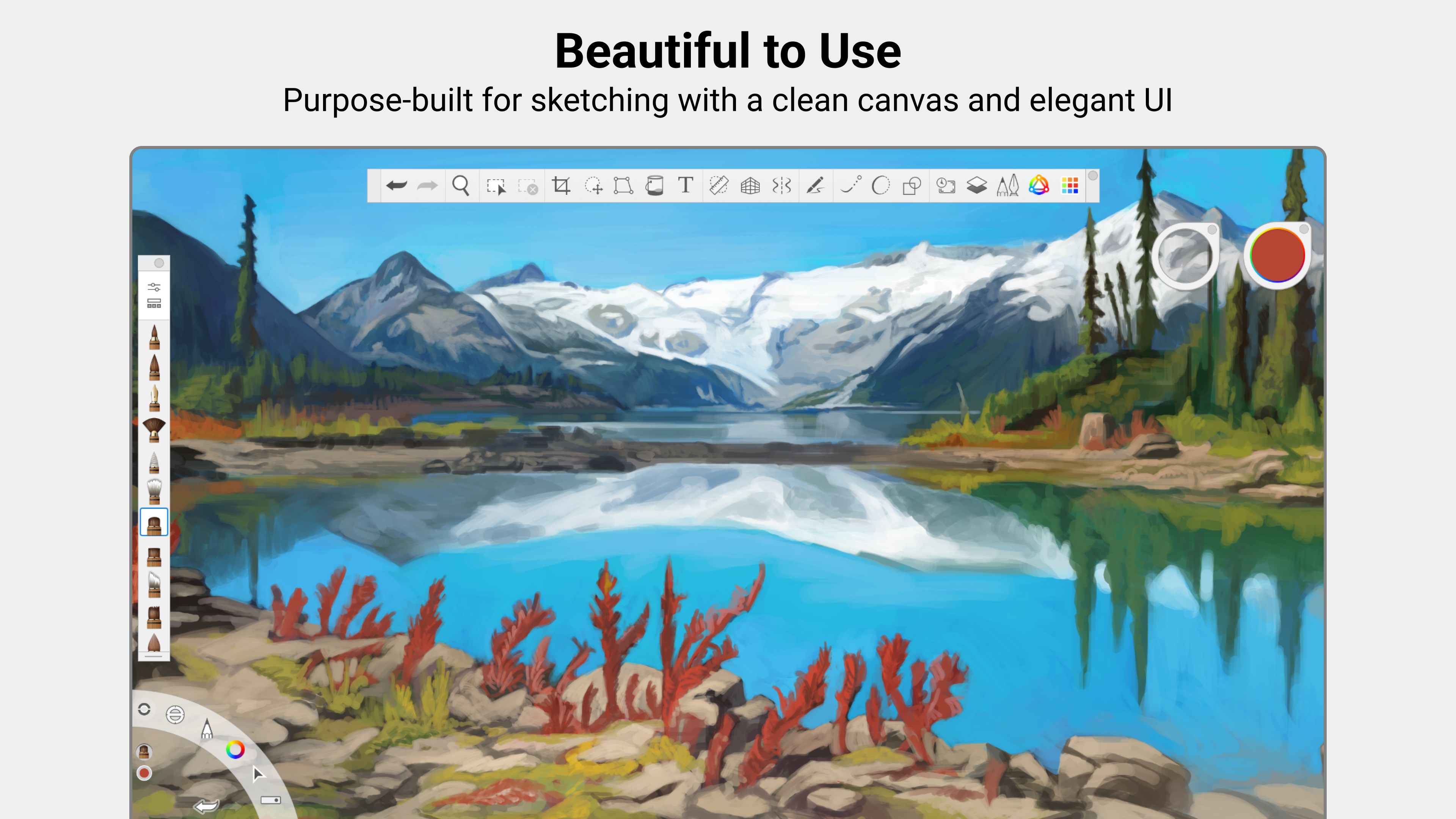
The interface stays out of your way. Palettes and toolbars can be easily tucked away, allowing you to utilize your entire Windows screen as a pure, open canvas.
Transparent Pricing Model
Unlike many modern creative suites that require ongoing monthly fees, this software is available as a straightforward, one-time purchase. There are absolutely no subscriptions and no disruptive advertisements.
Is It Right for Your Creative Workflow?
If you value an elegant interface that doesn't sacrifice professional power, this application is an exceptional investment. It strikes a rare balance, offering the depth required for complex commercial illustration alongside the simplicity needed for quick daily sketching. To explore this powerful digital canvas further, visit the official Microsoft Store page to purchase and install the software for your Windows device.